Archives: Development

Bringing up the IMU on the pi3 hat

The next peripheral to get working on the quad’s raspberry pi interface board is the IMU. When operating, the IMU will primarily be used to determine attitude and angular pitch and roll rates.  Secondarily, it will determine yaw rate, although there is no provision within the IMU to determine absolute yaw.

To accomplish this, the board has a BMI088 6 axis accelerometer and gyroscope attached via SPI to the auxiliary STM32G4 along with discrete connections for interrupts.  This chip has 16 bit resolution for both sensors, decent claimed noise characteristics, and supposedly the ability to better reject high frequency vibrations as seen in robotic applications.  I am currently running the gyroscope at 1kHz, and the accelerometer at 800Hz.  The IMU is driven off the gyroscope, with the accelerometer sampled whenever the gyroscope has new data available.

Bringing up power on the quad pi3 hat

The first thing I needed to get working on the new quad’s raspberry pi3 hat, was the input DC/DC power converter.  One of the main functions of this board is to take the main DC bus voltage of around 20V, and provide the raspberry pi with 5V power.

In the previous iteration of this board, it was limited to an recommended maximum voltage of around 24V.  As with all the components in my hardware revisions I aimed to support a higher input voltage.  Here I switched parts to the Diodes AP64351 so that I could get to a recommended maximum voltage of 32V (the part’s absolute max is 40V).

New quad raspberry pi interface board

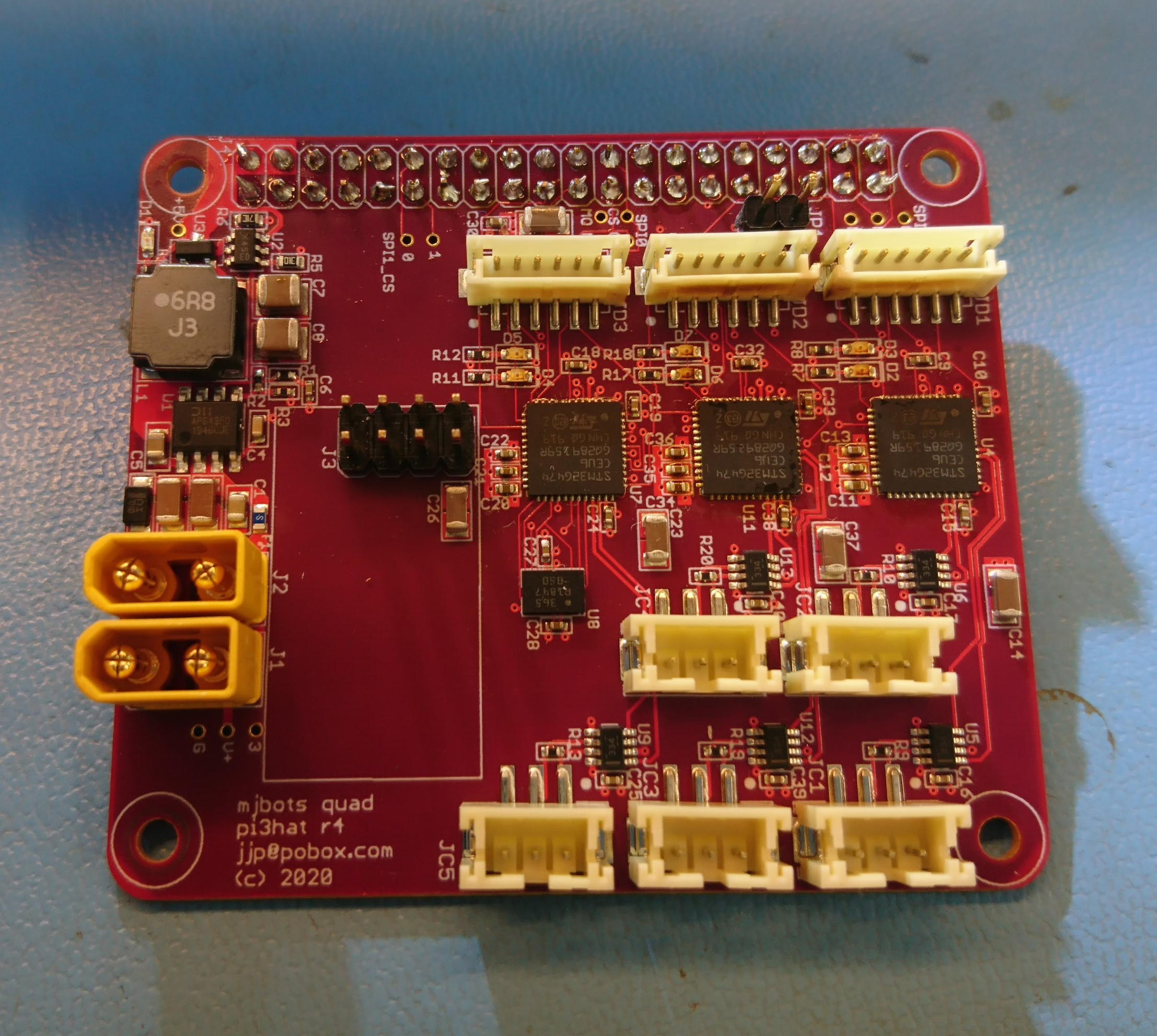
With the new FD-CAN based moteus controllers I need a way for the raspberry pi to communicate with them.  Thus I’ve got a new adapter board in house that I’m bringing up:

dsc_0339

This one has 5 independent FD-CAN channels, an IMU, a port for an nrf2401l RF transceiver as well as a buck converter to power the computer from the main battery bus.

The prototypes were largely constructed by MacroFab, although I did the Amass connectors and the STM32s because supply chain issues prevented me from getting those parts to MacroFab in time.

Programming a lot of fdcanusbs

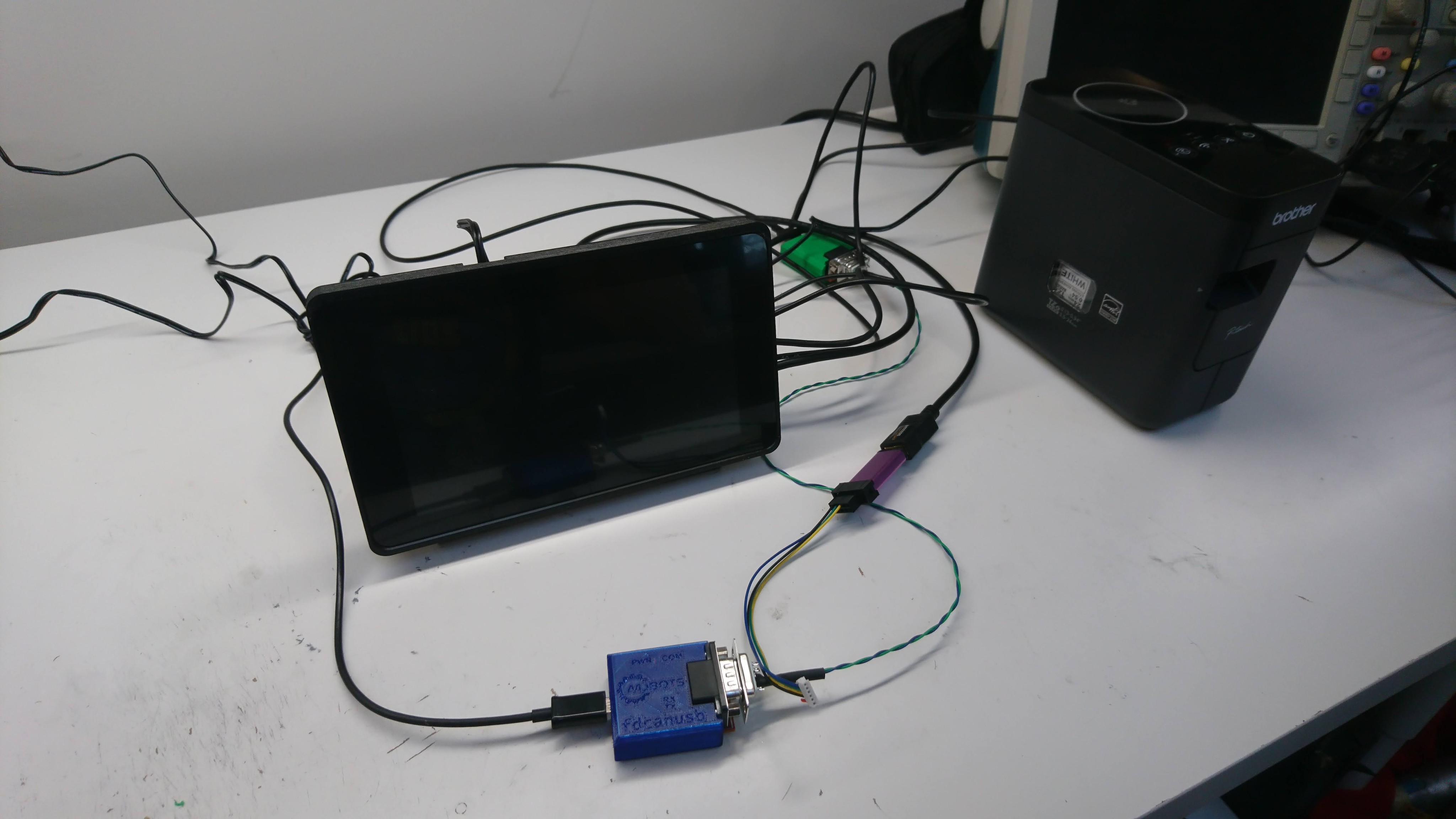
To get ready for the initial limited release of fdcanusbs, I needed to program a whole bunch of them.  Further, I wanted to be able to scale up a few factors of two without being too annoyed with manual steps.  Thus, enter my minimal programming fixure:

dsc_0188

It isn’t much, just a raspberry pi 3b+, the official 7" rpi touch screen, a STM32 programmer, a “fixtured” fdcanusb to drive the device under test, and a label maker.  The touch screen is mostly there to display the results if anything goes awry, as in normal operation there is just one button to push.  The final cycle time to program a fdcanusb and install it into the enclosure is around two minutes, which is good enough for now.

New machine day: Vibratory tumbler

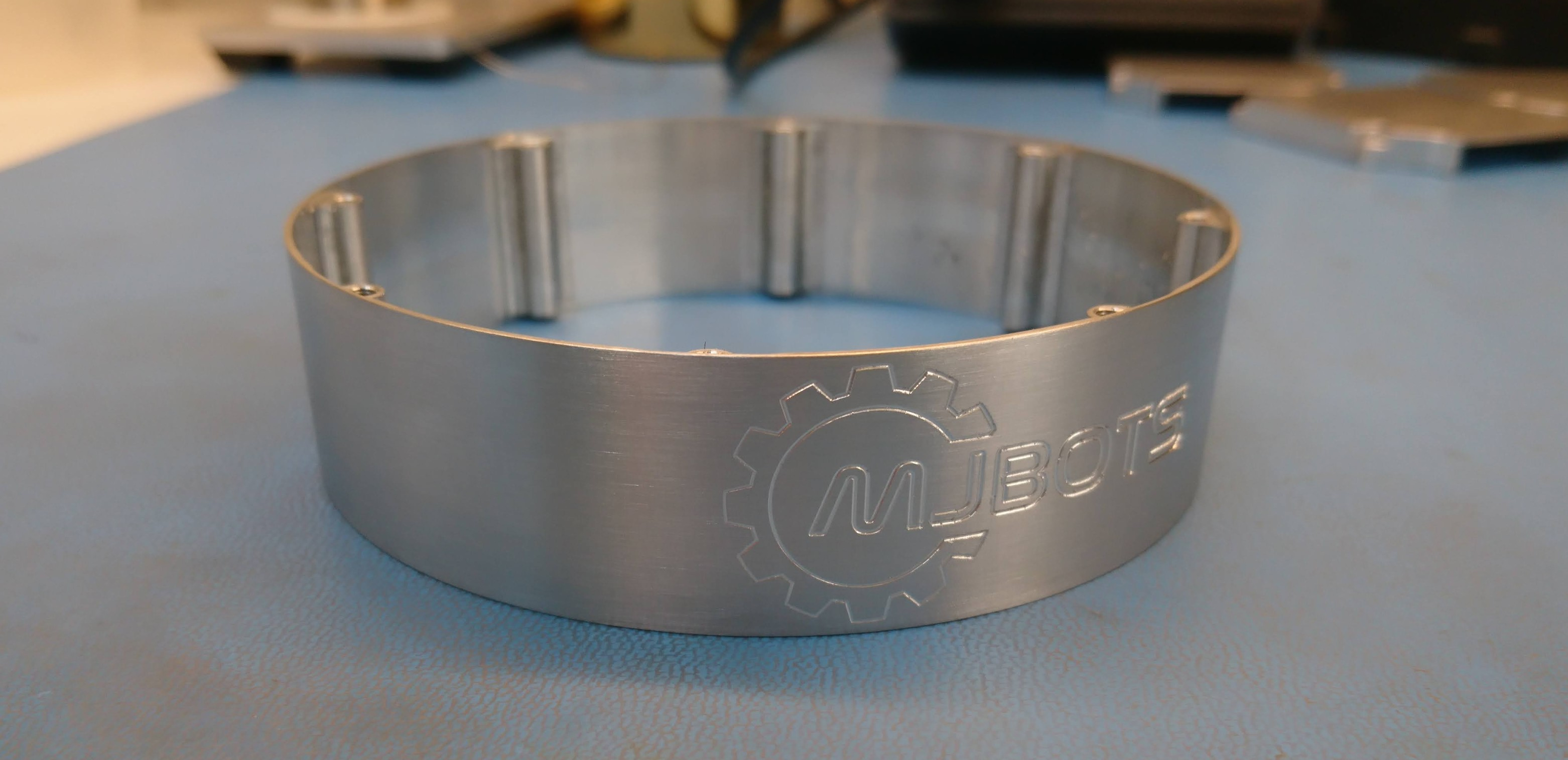
To date with my machined parts, I’ve mostly left everything in an “as-machined” state.  As I get ready to make some servos where I care at least a little about how they look, I decided to invest a little in surface finish options.  I started using some Scotch-Brite, which gave passable results for some components, but it was hard to be consistent and the final results were always somewhat anisotropic.

Pre-production mk2 servos

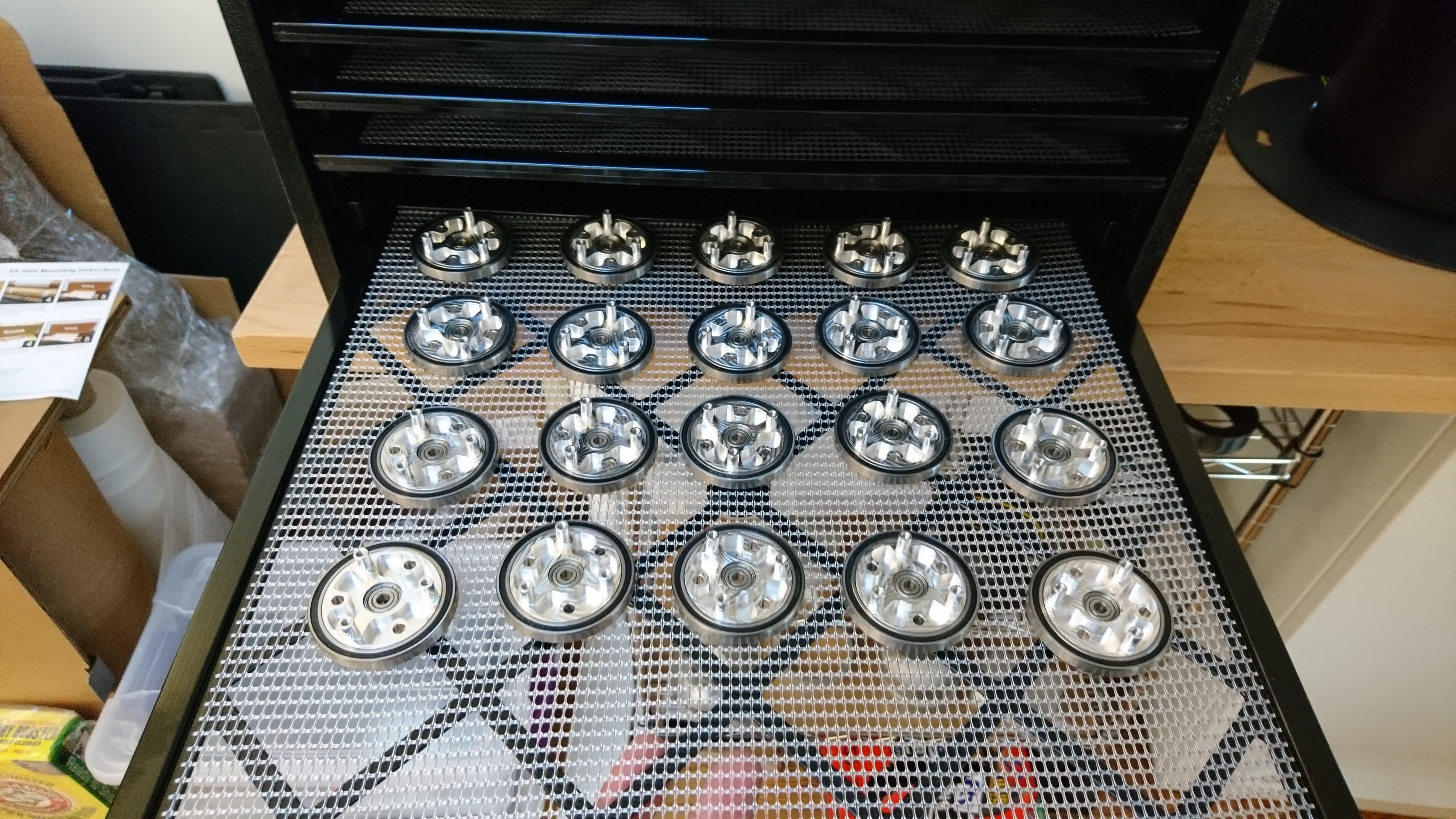
To build a second demonstration quadruped and to generate some development kits, I’ve built up a set of 20 of the mk2 servo.  The production process is working out fairly well, in fact slightly better than I had predicted for overall cycle time.  The servos so far are coming out great, moving smoothly with full power.

Shafts inserted into the planet input

Shafts inserted into the planet input

Output bearing on the planet outputs

Output bearing on the planet outputs

All parts for pre-production mk2 servo in house

I’m planning on building up a set of mk2 servos to test them on a quadruped and make some development kits.  As of now, I’ve got all the materials in house for the build and many things partially assembled!

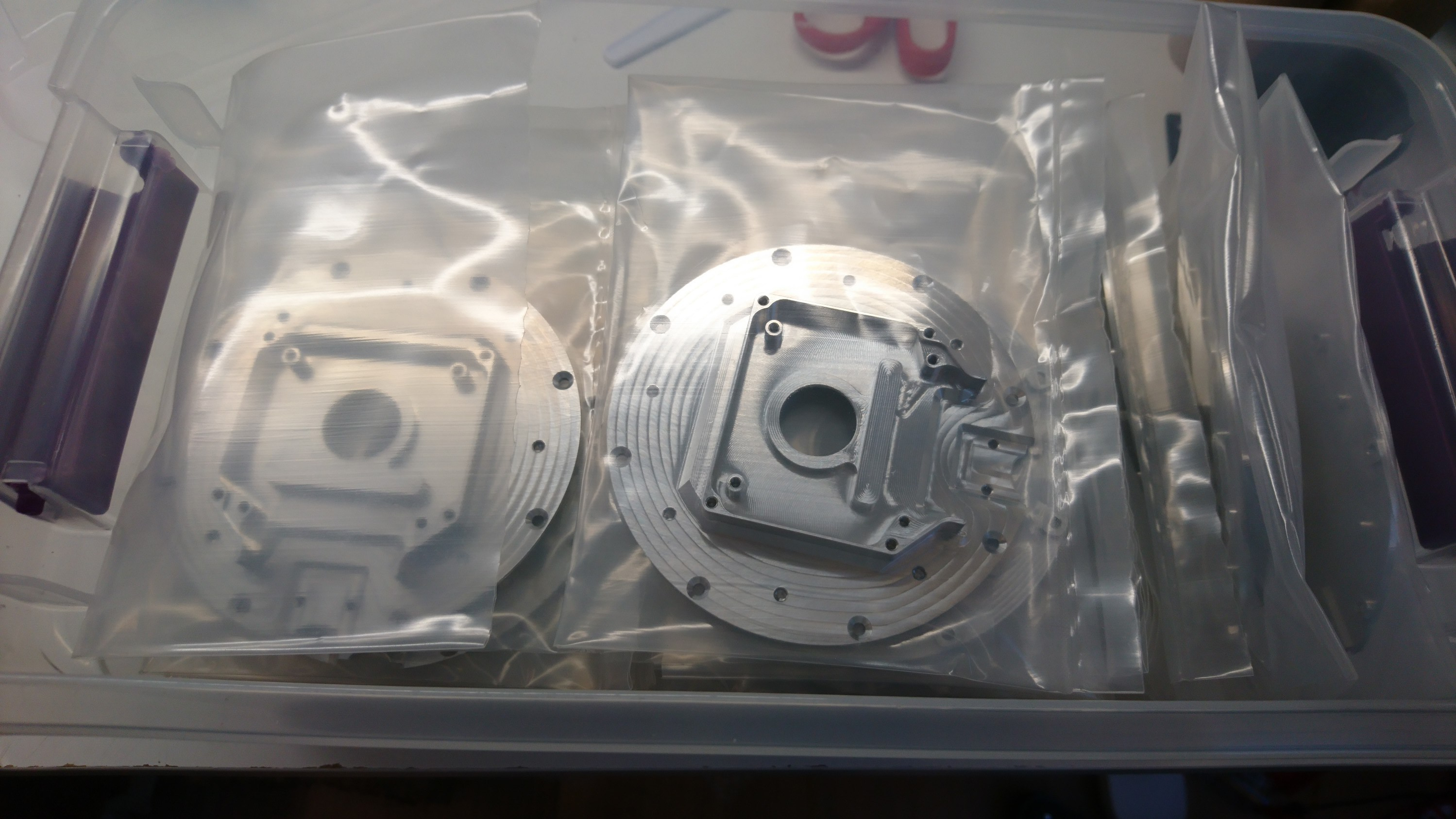
A bunch of back housings

A bunch of back housings

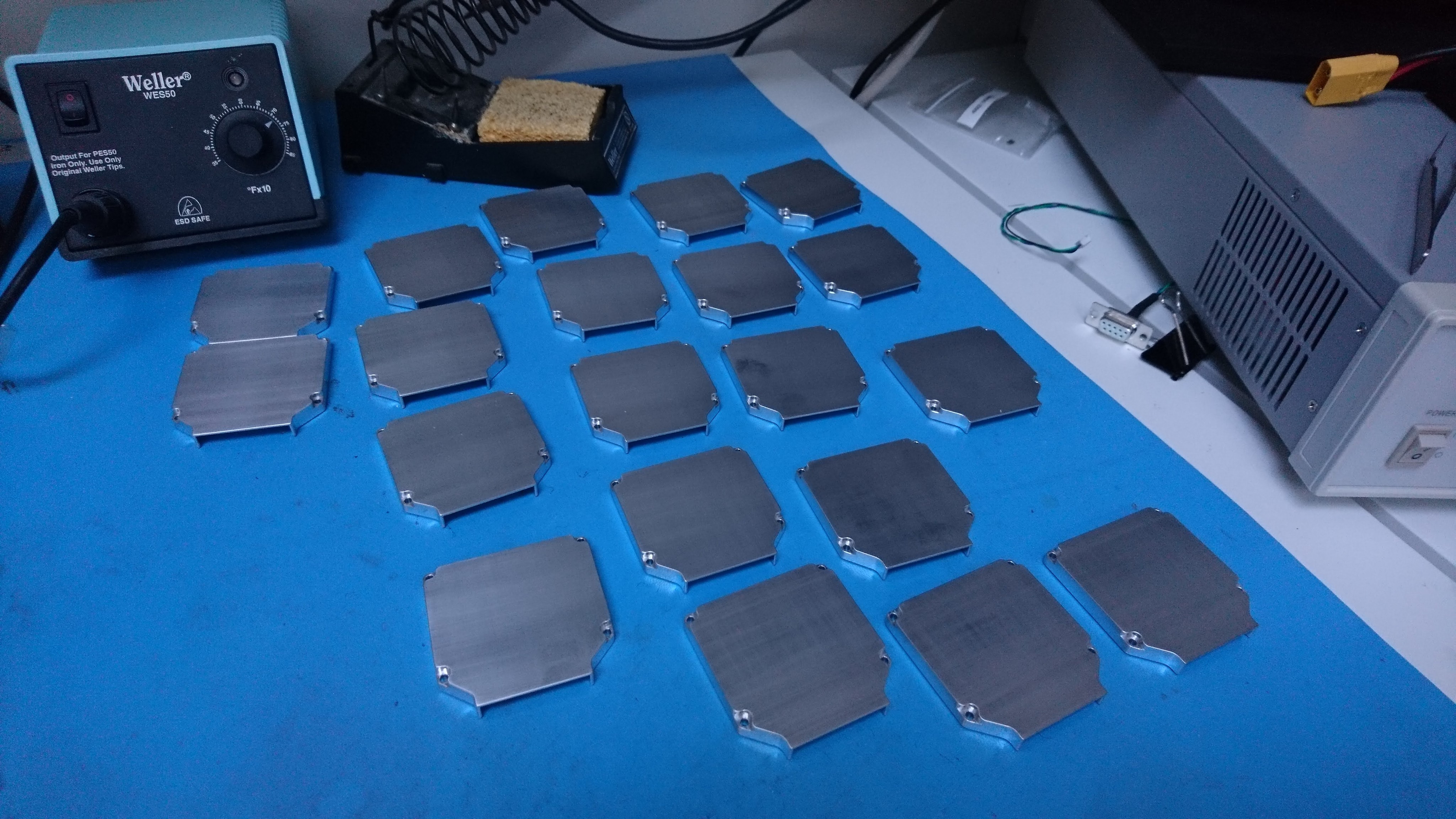
Back covers post-brushing

Back covers post-brushing

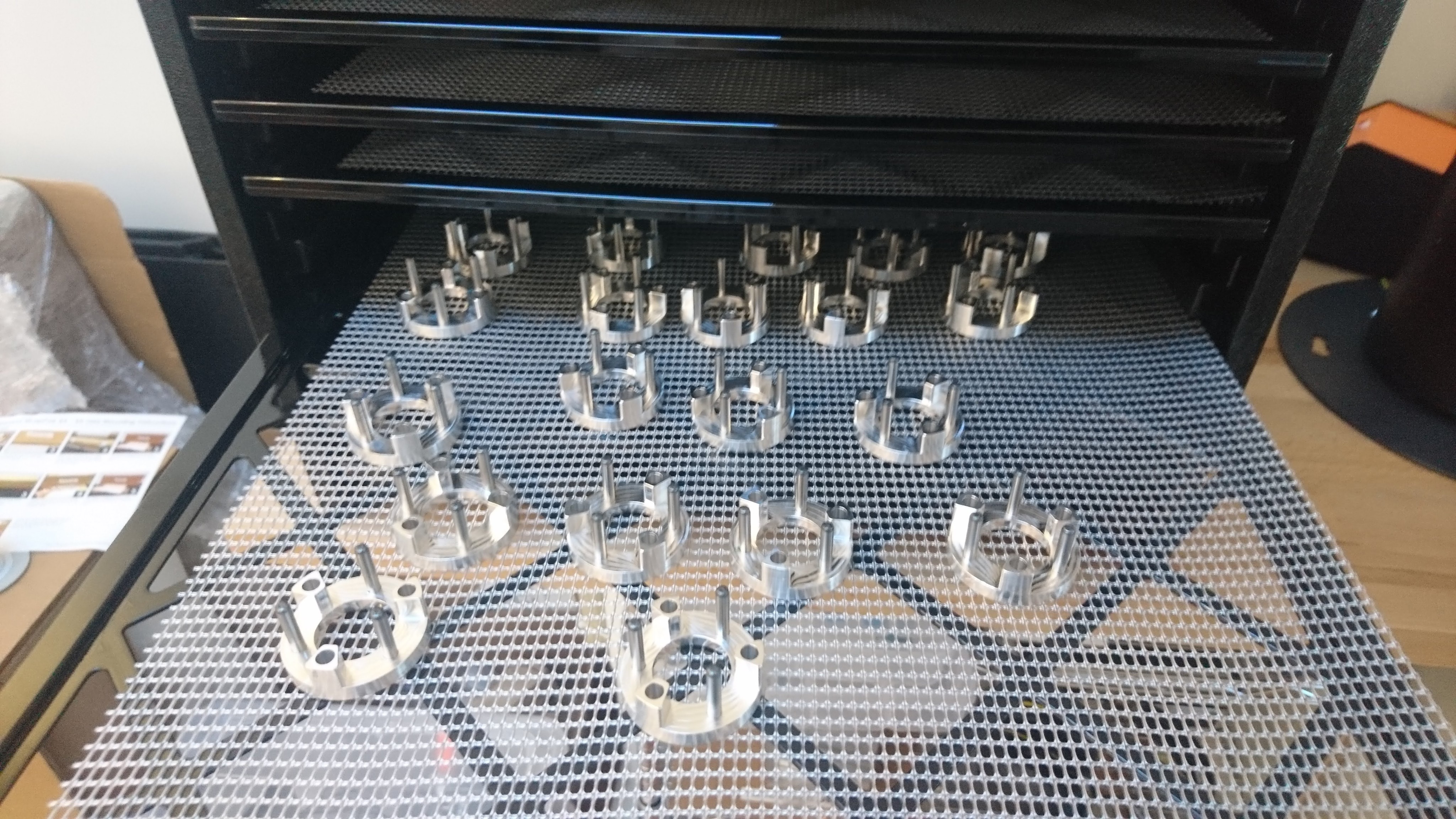
A bunch of planet inputs

A bunch of planet inputs

A test of the final finish of the outer housing

A test of the final finish of the outer housing

3D printed camera mounting bracket

To help get some better overhead camera shots, I made a simple bracket that I could bolt to my over-desk bookshelves.  It just has a 20mm tube on it that various camera attachments can be bolted to:

dsc_0256dsc_0257

Here’s to more camera angles!

Final lower leg assembly

After casting the feet, the final step was to join the lower leg with the 3d printed foot bracket.  This I just did with some slow cure epoxy.

dsc_0280

It seems strong enough for now, I was able to manually apply 10kg of load to a single leg while perfectly horizontal with no signs of stress, which should be good enough for a 4g 4 legged jump.

All the legs (and a spare) are now assembled with belts and a lower pulley ready to go on a robot!

Casting feet

Previously, I described the overall plan for my improved foot.  To make that work, I needed to cast a 3d printed part into the squash ball such that it would likely stay attached during operation, be suitable rigid and yet damped, and do so repeatably.

To start with, I used a random single yellow dot squash ball with a hole cut in one side using a pair of side cutters.  For the casting foam, I just used Smooth-On Flex Foam-IT 17, which is what Ben Katz originally used at least.  Initially I just mixed up a batch, poured it in to a random level, stuck my bracket in and hoped for the best.