
tview logging
Wow, the updates to the graphical moteus monitoring application tview just won’t stop! We’ve had a lot of changes recently (python console, fault text decoding, fault monitoring, UUID addressing) and now here is yet another long requested big quality of life improvement – recording data to log files! As of pypi moteus-gui version X, tview now can write log files in either the .jsonl format as a single file or as a set of CSV files. Continue reading for more details!
User interface
There are two ways that log file creation can be started. First, there is a new persistent button in the bottom right corner of the status bar labeled “Start Logging All”.
Clicking that will bring up a file selector where you can select to save either a single .jsonl file or a batch of CSV files. When enabled all data that is received from all controllers is logged to disk.
Second, when right clicking in the telemetry tree view, a single channel can be selected for logging using the “Log this channel” menu item. That also brings up a dialog to enter a filename, where data from just that single channel is saved.
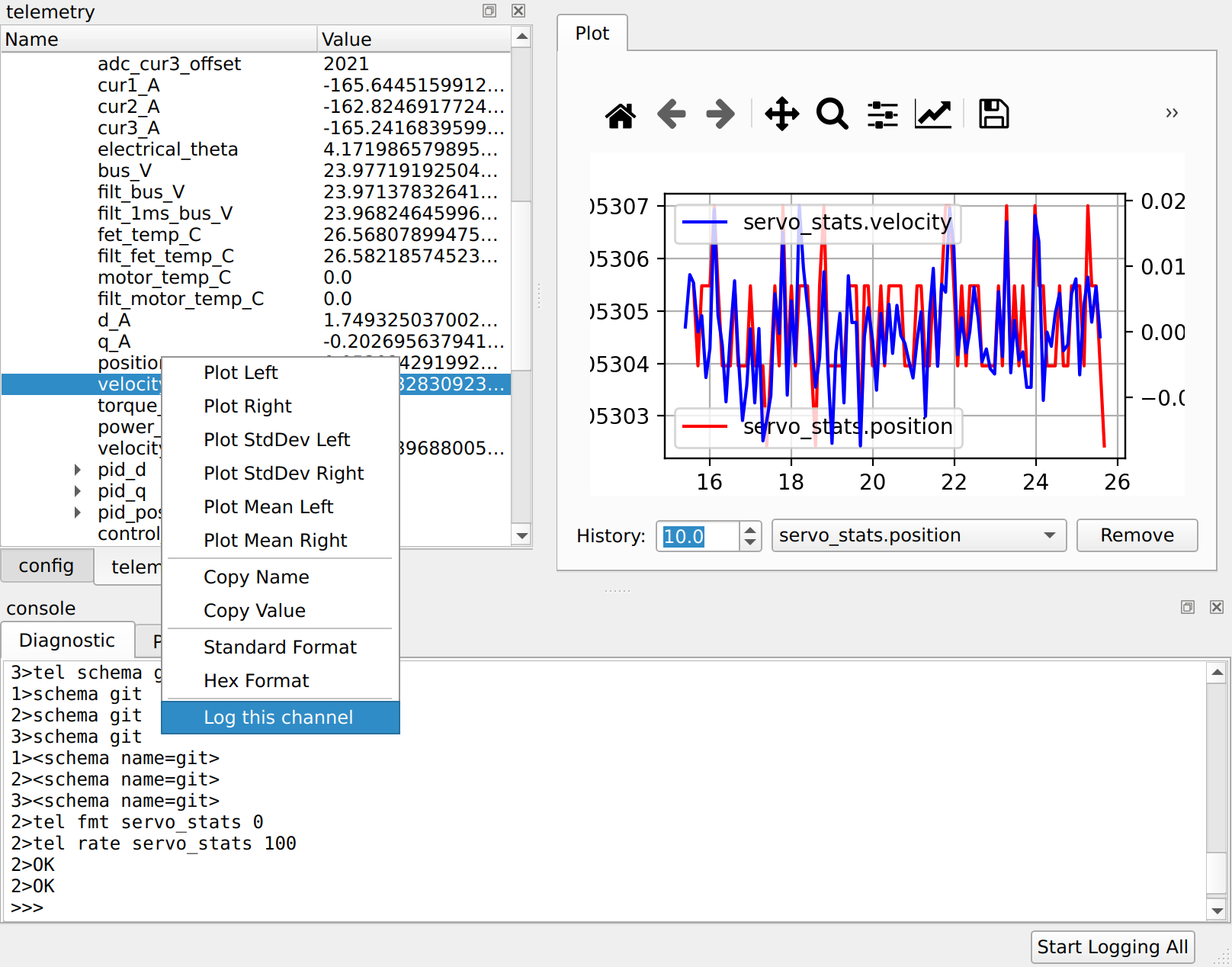
In both cases, logging can be stopped by clicking on the button a second time.
Log formats
Currently two different log formats are supported. The first of those is JSON Lines (.jsonl). In that format, a single file is used to save all data from all controllers and channels. Each line has a separate record with a wrapper structure that looks like:
{
  "controller" : "address",
  "timestamp" : 1760539540.964,
  "channel" : "servo_stats",
  "data" : {
  }
}
Where the data received from the controller is stored in a nested JSON
object under the data key.
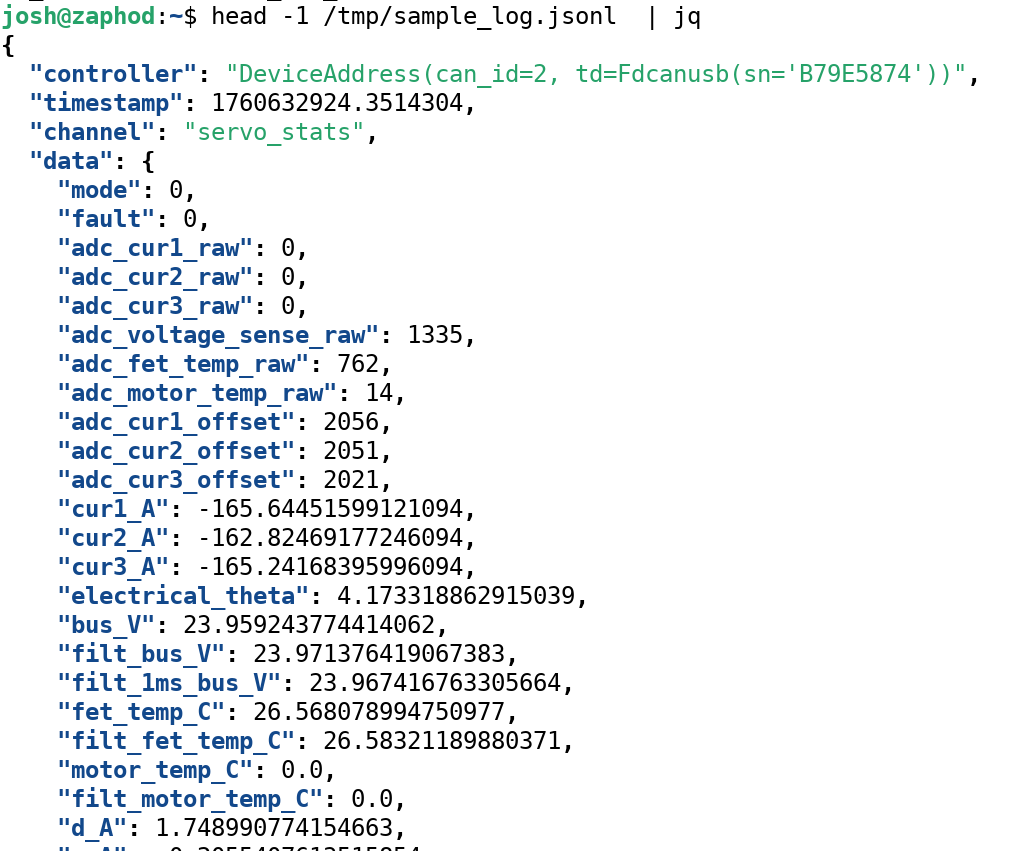
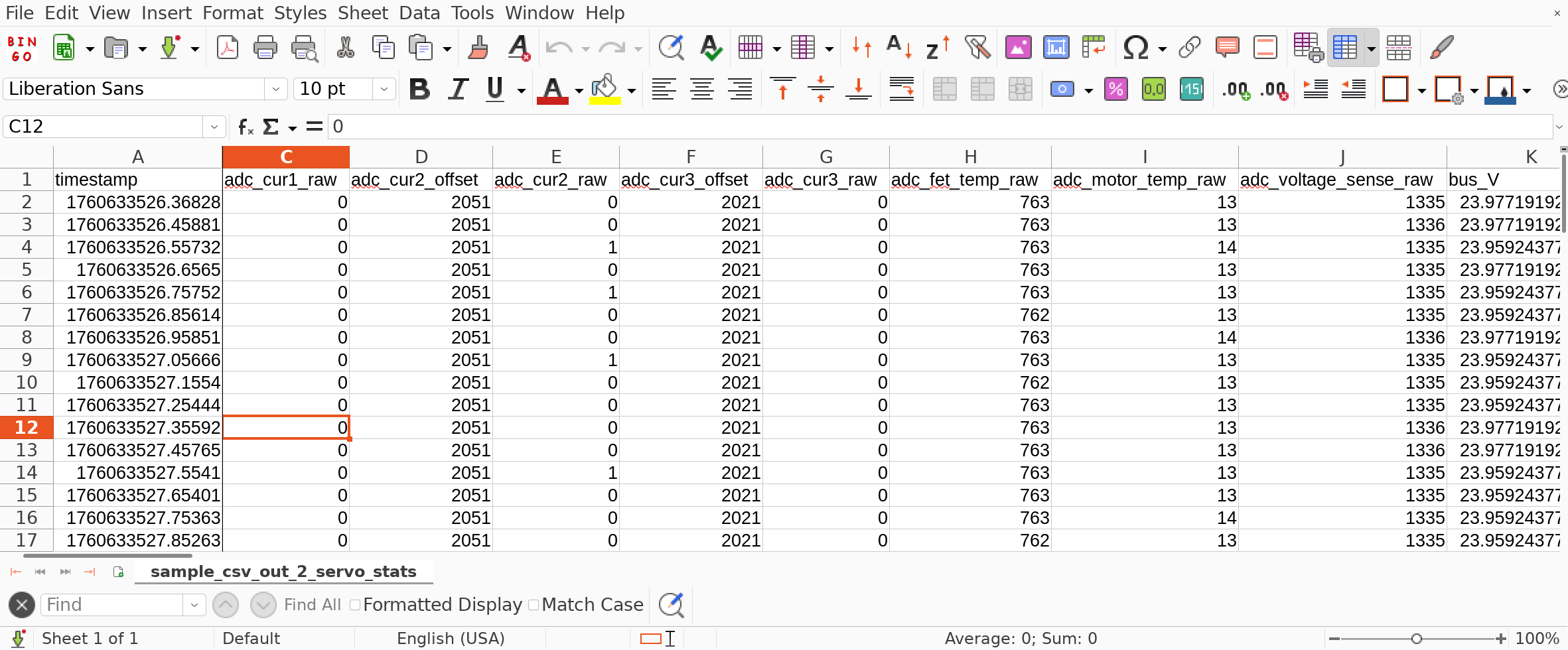
The second format is a “CSV batch”. Here, each controller/channel
combination is saved in a separate CSV file. There is one column per
entry and the field names are flattened to use a period separator for
structures and [N] notation for lists. The provided file name is
extended to include the recorded controller and channel.

Upgrading
You can upgrade your tview to get the new capabilities using pip:
python -m pip install --upgrade moteus moteus-gui
And get started logging right away!